

Clip Squeezer feature
Convert video formats
Turn a video into MP4, MOV, MKV, WebM, or GIF with plain-language choices.
What it does
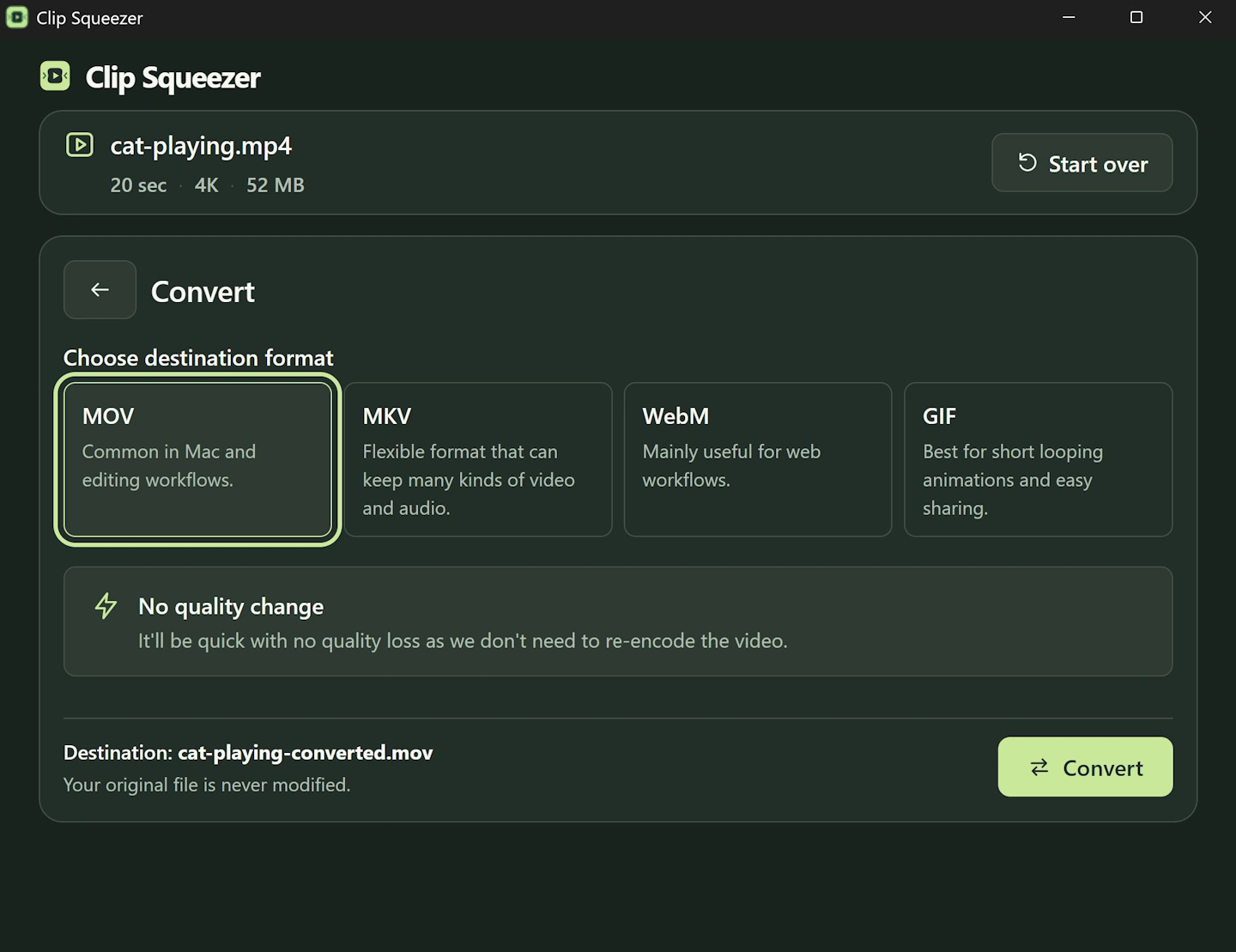
Choose the type of file you need. Clip Squeezer checks whether it can change the file type without changing the picture or sound. When that is not possible, it makes a compatible new version.
When it is useful
A MOV that will not open on Windows, an MKV an upload form rejects, or a WebM that an editor does not accept.
What should I choose?
- Choose MP4 when you are unsure; it works in the widest range of apps and websites.
- Choose MOV, MKV, or WebM only when your destination asks for it.
- Choose GIF only for a short silent loop; GIF files can become very large.
How to use it
- 1
Add a video or drag it into Clip Squeezer.
- 2
Choose Convert.
- 3
Pick the simple output choices that fit your job.
- 4
Choose where to save the new file and start.
- 5
Open the new file and check it before deleting or moving your original.
Need more detail? Read the step-by-step help page.
 Download Clip Squeezer