 Get Clip Squeezer
Make smaller
Reduce huge phone, screen-recording, and camera files using simple quality choices.
Learn more →
A small desktop utility
Make smaller · Convert · Trim · Extract audio
Free and open source for Windows and Mac. Your files stay on your computer.
 Free. No ads.
 Runs on your computer.
 Nothing is uploaded.
 Your original stays safe.
Just what you came for
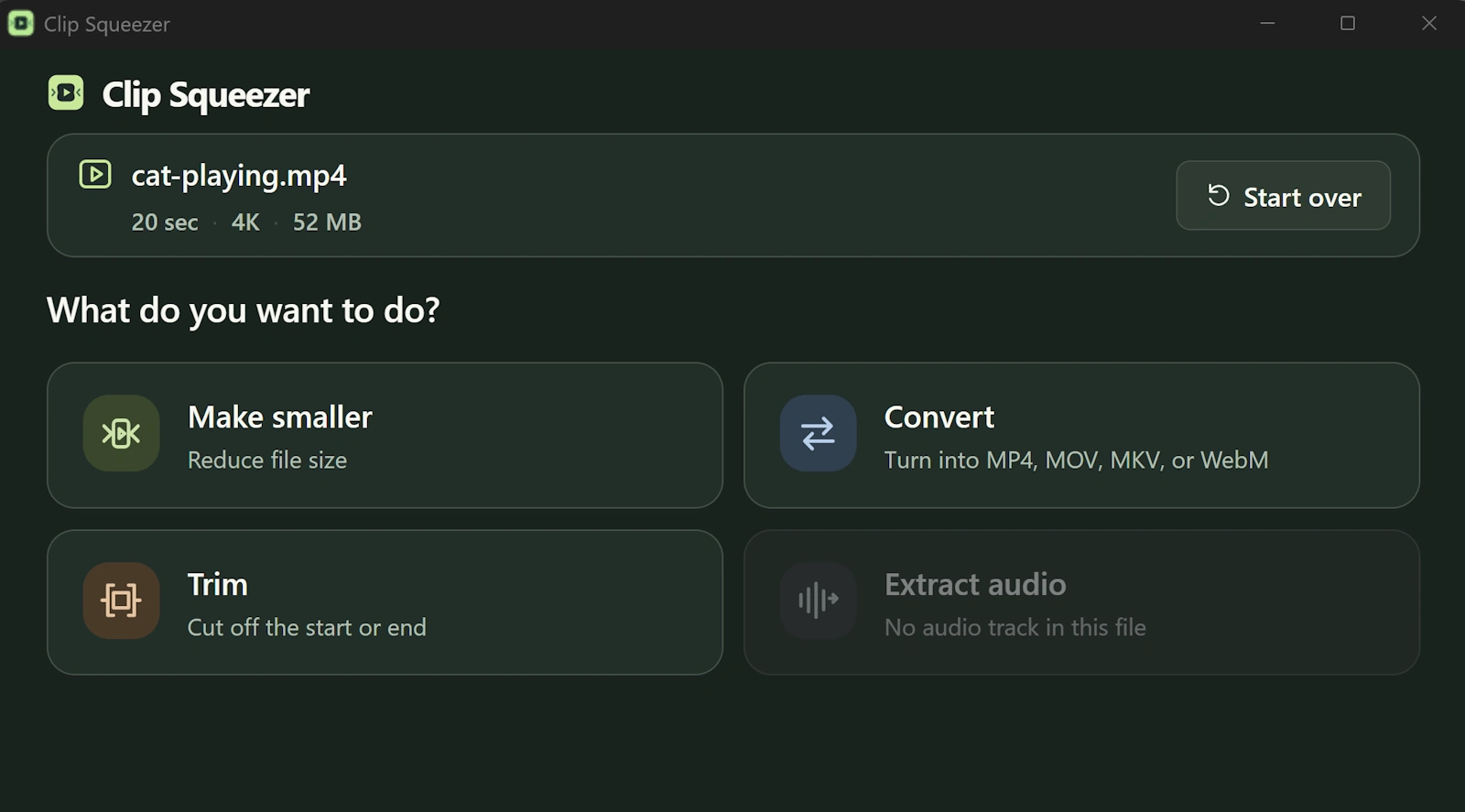
Drop in a video, choose what you need, and save a new file.
Reduce huge phone, screen-recording, and camera files using simple quality choices.
Learn more →
Choose MP4, MOV, MKV, WebM, or GIF. The app handles the technical decisions.
Learn more →
Remove the beginning or end with a visual, frame-accurate trim.
Learn more →
Save the sound as MP3, M4A, or preserve the original audio where practical.
Learn more →One small workflow
Add the file, choose Make smaller, select a quality balance, and save. Clip Squeezer shows an estimate before it starts and leaves the original alone.
What to do with a video that is too large to send →
Why this exists
Clip Squeezer makes the technical choices for four common jobs—without turning a quick fix into a video-editing project.
Start with your problem
Free · open source · fully local
No account, upload, subscription, watermark, or codec knowledge required.